

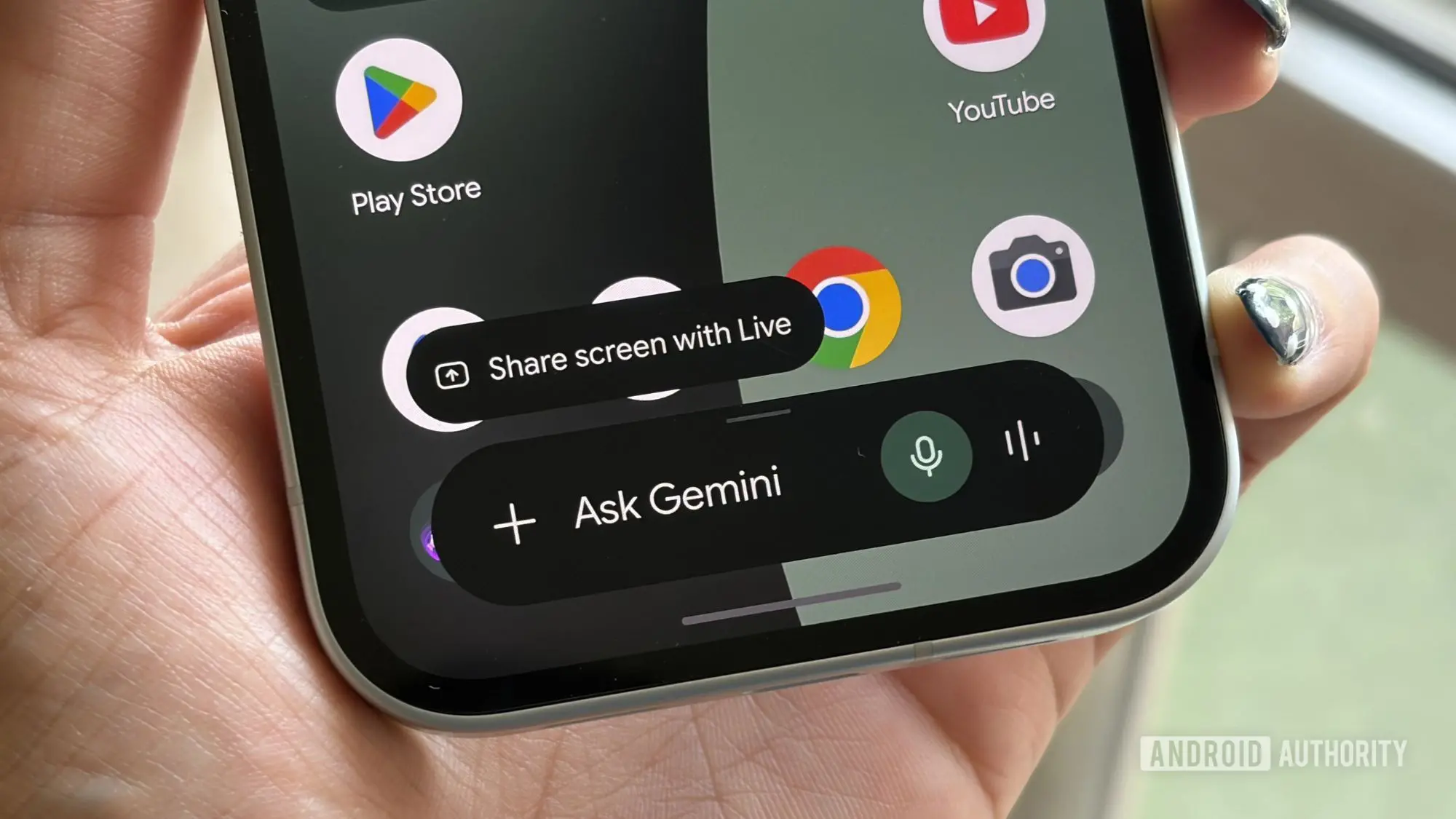
The Google Play Store is a colossal digital marketplace containing millions of applications that cater to virtually every need, from productivity and entertainment to education and health. However, this vast selection often becomes a double-edged sword: the sheer volume makes it challenging for users to find exactly what they are looking for. Sifting through endless categories, search results, and recommendations can be time-consuming and frustrating. To address this pain point, Google has unveiled a powerful new integration for its AI chatbot, Gemini, that promises to streamline app discovery and installation directly within the chat interface.
Originally previewed in May 2026, the Google Play connected app for Gemini is now rolling out to users worldwide. This feature effectively transforms the chatbot into a personal app concierge. Instead of manually opening the Play Store and searching through thousands of listings, users can simply ask Gemini for recommendations. For instance, typing "Find a productivity app to help me with meal planning" will prompt Gemini to scan the Play Store’s catalog and present a curated list of suitable applications. Tapping on any app icon within the chat immediately directs the user to the full Play Store detail page, where they can read reviews, check permissions, and complete the installation.
Beyond discovery, the integration also handles purchases. Users can ask Gemini to "Show me in-app purchases for [App Name]" or "Buy a Google Play gift card," enabling digital transactions without leaving the conversation. This seamless experience is designed to reduce friction in the app discovery and acquisition process, making it more intuitive and conversational.
Background: The Evolution of AI-Powered App Discovery
App discovery has always been a challenge for mobile ecosystems. Google has previously experimented with various methods, including curated editorial collections, personalized recommendations based on user behavior, and even earlier AI-driven suggestion engines. However, the integration of a generative AI assistant like Gemini represents a significant leap forward. Unlike traditional search algorithms that rely on keywords and past downloads, Gemini can understand nuanced, natural language queries. Users can describe their problem or desired outcome in their own words, and the AI interprets the intent to deliver relevant suggestions.
This move is part of a broader trend where tech giants are embedding AI assistants deeper into their ecosystems. Apple has similarly explored AI-driven app suggestions, but the direct chat integration with full purchase capabilities gives Gemini a distinct advantage. It also aligns with Google’s strategy to make Gemini a central hub for user interaction across services—search, email, calendar, and now the Play Store.
How the Integration Works: Technical and User Experience Details
The Google Play connected app for Gemini is essentially a plugin or extension that allows the chatbot to interface with the Play Store backend. When a user asks for app recommendations, Gemini processes the request, queries the Play Store database, and returns results in a user-friendly card format. Each card typically includes the app icon, name, rating, and a brief description. Users can tap on any card to open the Play Store listing.
For transactions, Gemini acts as a conversational interface to the Play Store’s purchase system. It can fetch available in-app purchase items, display them in chat, and initiate a purchase flow that opens the Play Store’s payment sheet. Similarly, buying a gift card triggers the standard Google Play gift card purchase process, all while maintaining the chat context.
To ensure security, Google has implemented strict requirements. Users must be at least 18 years old and have a personal Google Account (not a work or school account). Additionally, the feature requires the Google Play Store app to be installed on the user’s Android device. Crucially, the “Keep Activity” setting must be enabled in Gemini’s configuration. This setting saves conversations and helps the AI remember context, which is essential for providing coherent and personalized recommendations over time. Google has stated that all interactions are handled in accordance with its privacy policies, and users can review their activity history at any time.
Step-by-Step Guide to Connecting Google Play with Gemini
Setting up the integration is straightforward:
- Open the Gemini app on your Android device. Ensure you are signed in with the same Google account you use for the Play Store.
- Initiate a conversation by asking Gemini to find an app. For example: “Find a language learning app.”
- If the integration is not yet linked, Gemini will automatically prompt you to connect the Google Play service. A button or link will appear, guiding you through the authorization process. Follow the on-screen instructions, which typically involve granting permission for Gemini to access Play Store data and perform actions on your behalf.
- Once connected, you can freely ask for app recommendations, view in-app purchases, and make purchases. Gemini will remember preferences across sessions if Keep Activity is on.
Users who have multiple accounts should ensure they are using the correct one, as purchased apps and gift cards will be tied to the active account. Google also warns that any transactions made through Gemini are final and subject to the Play Store’s standard refund policies.
Impact on Users and the App Ecosystem
This integration has the potential to significantly alter how users interact with the Play Store. For frequent app downloaders, it reduces the number of steps required to find and install software. For casual users, it lowers the barrier to discovering useful tools they might not have known existed. The conversational nature of Gemini also allows for more open-ended exploration: users can ask follow-up questions like “Are there any free alternatives?” or “Which one has the best reviews?” without starting a new search.
From a developer’s perspective, this feature could reshape app discovery marketing. Optimizing app listings for AI-driven queries might become as important as traditional SEO for the Play Store. Developers may need to consider how well their app’s description and metadata answer common natural language questions. Additionally, the ability to surface in-app purchases directly within chat could increase conversion rates for monetization, as users can see options without navigating away from their current task.
Google has not yet disclosed whether the feature will expand to non-Android platforms like iOS or the web version of Gemini. However, given the tight integration with the Play Store, it is likely to remain an Android-exclusive feature for the foreseeable future. The company also has not announced any revenue-sharing changes for purchases made through Gemini—presumably, standard Play Store commission rates apply.
Privacy and Security Considerations
As with any AI that processes personal data and facilitates purchases, privacy and security are paramount. Google assures users that all transactions are encrypted and that Gemini only accesses the Play Store data necessary to fulfill a request. The Keep Activity requirement means that conversations are stored and used to improve recommendations, but users have control over their activity history and can delete it at any time. Additionally, the 18+ age requirement helps protect minors from potential misuse, though it does not prevent them from using the feature with parental guidance.
Some privacy advocates have expressed concern about the amount of data Gemini collects, especially since it already integrates with other Google services. However, Google points out that users can opt out of the feature entirely by simply not connecting the Google Play app. The integration is optional and must be manually enabled through the prompt.
In the broader context of AI assistants, this launch sets a precedent for tighter coupling between chatbots and app stores. It remains to be seen whether competitors like Amazon’s Alexa or Apple’s Siri will follow suit with similar deep integrations. For now, Gemini users have a powerful new tool at their fingertips, one that transforms the way they discover and install apps on their Android devices.
Source:Android Authority News