

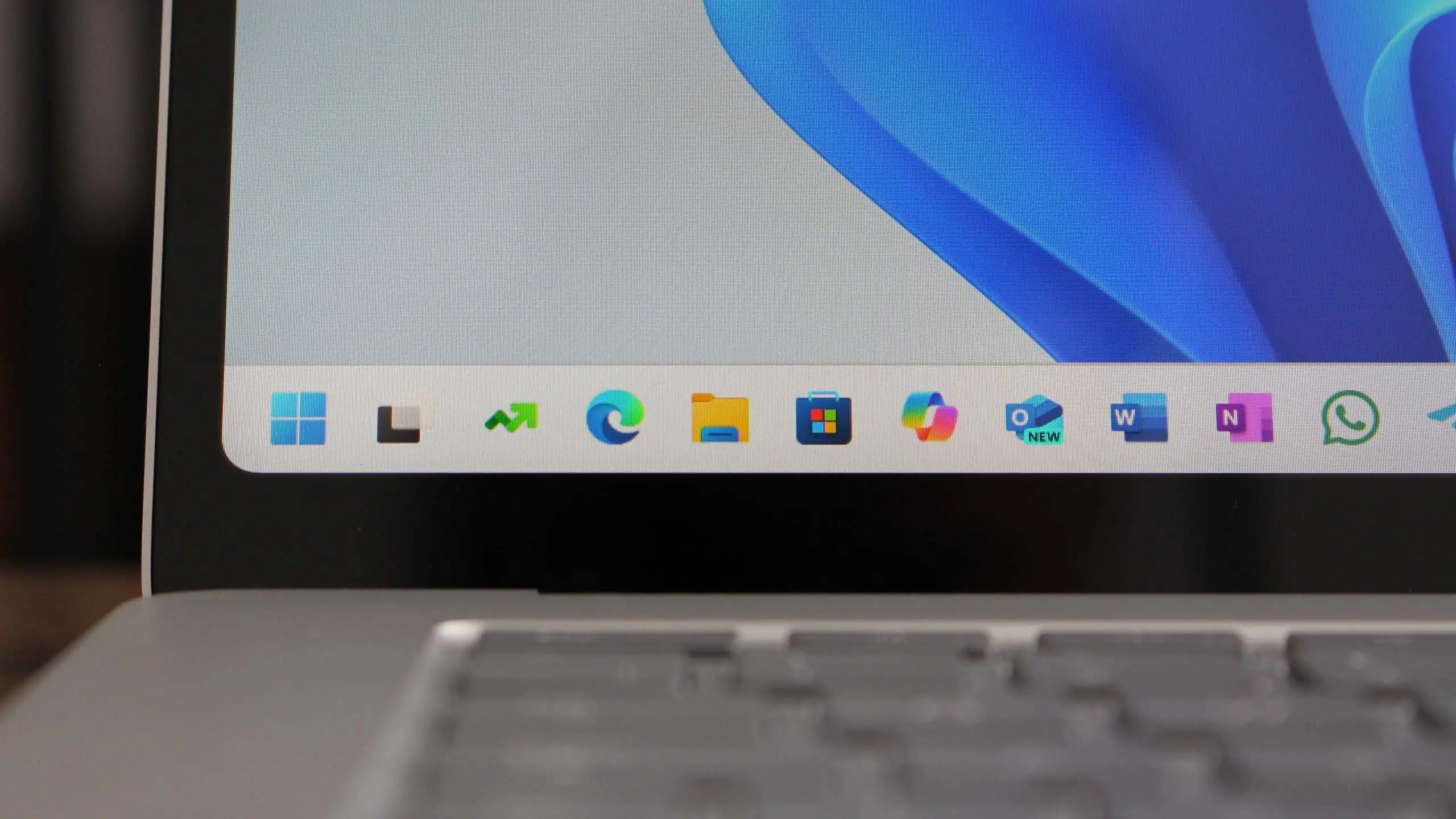
Windows 11 version 25H2 is the next annual feature update from Microsoft, and it is shaping up to be one of the most efficient Windows releases in recent memory. Unlike the jump from Windows 11 23H2 to 24H2, which involved a full operating system swap, the 25H2 update is expected to arrive as an enablement package. That means eligible devices already running Windows 11 24H2 can unlock the new version with a small download, a quick restart, and far less disruption than a traditional feature update.
The naming follows Microsoft's long-running convention: the first two digits indicate the year, and H2 stands for the second half of that year. Windows 11 25H2 is therefore the second-half 2025 release. Microsoft has not positioned it as a dramatic reinvention of Windows. Instead, it is a stepping stone that brings new capabilities through the same servicing branch as 24H2, while giving IT teams and consumers a clear, predictable upgrade path.
Key facts at a glance
- Windows 11 25H2 is Microsoft's 2025 annual feature update for Windows 11.
- It is expected to be delivered as an enablement package rather than a full OS replacement.
- It shares the same servicing branch as Windows 11 24H2, which simplifies updates and support.
- New features will focus on AI experiences, security, manageability, and user interface refinements.
- Deployment is expected to be faster and less risky for organizations already on 24H2.
- Hardware requirements remain unchanged from Windows 11: TPM 2.0, Secure Boot, 4GB RAM, 64GB storage, and a compatible 64-bit processor.
- General availability is anticipated in the second half of 2025, likely October or November.
- Support timelines will follow Microsoft's modern lifecycle policy, with 24 months for Home and Pro and 36 months for Enterprise and Education.
What is an enablement package?
An enablement package is a small update that turns on features already present in the underlying operating system. Microsoft has used this approach before. Windows 10 versions 1909, 20H2, 21H2, and 22H2 were all delivered as enablement packages on top of earlier servicing branches. The benefit is speed: instead of downloading several gigabytes and going through a full upgrade, the device simply flips a switch and reboots. The result is less downtime, fewer compatibility headaches, and a smoother experience for both consumers and IT departments.
For Windows 11 25H2, the enablement package approach means Microsoft can keep the same core OS files as 24H2 while shipping new features through monthly cumulative updates or through the enablement package itself. It also means that devices on 24H2 will not need to undergo a lengthy in-place upgrade. This is particularly valuable in enterprise environments where thousands of machines must be updated with minimal disruption.
Release timeline and Insider testing
Microsoft typically begins testing the next Windows feature update in the Windows Insider Program months before general availability. For 25H2, Insiders in the Dev and Beta channels are expected to receive builds that lay the groundwork for the release. These builds often include hidden features, behind-the-scenes changes, and experimental AI tools that may or may not ship in the final version.
The general rollout is expected in the second half of 2025, most likely in October or November, matching the cadence of previous H2 releases. Microsoft usually staggers the rollout, first offering the update to seekers, then to a broader set of eligible devices, and finally to all supported systems. Organizations using Windows Update for Business or Windows Autopatch will be able to control the timeline through deferral policies and rings.
AI features and Copilot+ PC enhancements
Artificial intelligence is the defining theme of Microsoft's recent Windows strategy. Windows 11 24H2 introduced a wave of AI-powered features, many of which are exclusive to Copilot+ PCs with dedicated neural processing units, or NPUs. These features include Recall, which creates a searchable timeline of on-screen activity; Click to Do, which offers contextual actions based on what is on the screen; Cocreator, which generates images from text prompts; and Windows Studio Effects, which improves video calls with AI-driven lighting, framing, and noise reduction.
Windows 11 25H2 is expected to expand some of these experiences to more devices and to refine the ones that already exist. Microsoft has been careful to balance innovation with privacy and security, so features like Recall are opt-in and protected by encryption and Windows Hello. The 25H2 update may also bring improvements to Live Captions, Voice Clarity, and other accessibility tools that rely on local AI processing.
For users without a Copilot+ PC, 25H2 will still deliver meaningful changes. Microsoft has been adding AI-assisted features to apps like Paint, Photos, and Notepad, and these are often available on a broader range of hardware. The company is also integrating Copilot more deeply into the Windows shell, making it easier to summon an assistant for tasks such as summarizing documents, changing settings, or generating content.
Interface and productivity improvements
Each Windows feature update brings a collection of smaller refinements that add up to a better daily experience. Windows 11 25H2 is likely to continue this trend with updates to the Start menu, taskbar, File Explorer, and Settings. Recent builds have experimented with a more customizable Start menu, improved recommendations, and a phone link integration that lets users access messages, calls, and photos from their Android or iOS device directly on the PC.
File Explorer has been a focus area for Microsoft, with updates to tabs, context menus, and cloud file integration. The 25H2 update may bring faster search, better performance for large folders, and more consistent behavior across local and cloud storage. Energy Saver, a feature introduced in 24H2, is also expected to evolve, helping laptops and tablets extend battery life by reducing background activity and adjusting power settings automatically.
Quick Settings and the notification center could see further customization, including the ability to rearrange controls and mute notifications more easily. These changes are not headline-grabbing on their own, but they reflect Microsoft's goal of making Windows more cohesive and responsive.
Security and IT manageability
For businesses, the most important part of any Windows update is often what it does for security and management. Windows 11 25H2 is expected to build on the security foundation of 24H2, which included improvements to Windows Hello, Credential Guard, and Smart App Control. Microsoft has also been pushing hotpatching, a technology that applies security updates without requiring a restart. Hotpatching is already available in Windows Server and is being tested for Windows 11 Enterprise.
IT teams will benefit from the enablement package model because it reduces the need for extensive application compatibility testing. Since the underlying servicing branch is the same as 24H2, drivers and applications that work on 24H2 should continue to work on 25H2. That said, organizations should still test line-of-business apps and validate their deployment rings before broad rollout.
Microsoft Intune and Windows Autopatch will likely add support for 25H2 shortly after release. These cloud services help administrators manage updates, monitor compliance, and automate rollouts. The combination of an enablement package and cloud-based management makes 25H2 one of the easier updates to deploy in recent Windows history.
Consumer impact and upgrade path
For consumers, Windows 11 25H2 will arrive as a regular update through Windows Update. Devices running 24H2 will be offered the enablement package first, followed by devices on older versions such as 23H2. In most cases, the update will download in the background and require a single restart. Users who want to upgrade early can use the Windows Insider Program or manually check for updates once Microsoft begins the rollout.
It is worth noting that Windows 11 25H2 does not change the minimum hardware requirements. Devices must still meet the original Windows 11 requirements, including TPM 2.0, Secure Boot, 4GB of RAM, 64GB of storage, and a supported processor. This means older PCs that were not eligible for Windows 11 will remain ineligible. Microsoft has been clear that these requirements are tied to security and reliability, and there are no signs that they will be relaxed for 25H2.
Historical context and Microsoft's update strategy
Windows 11 25H2 is the latest step in a long evolution of Microsoft's servicing model. In the Windows 10 era, Microsoft moved from three releases per year to two, then to one major release per year with smaller enablement packages in between. Windows 11 continued that pattern with 21H2, 22H2, 23H2, and 24H2. The 25H2 release reinforces the annual cadence and the use of shared servicing branches to reduce fragmentation.
This strategy has several advantages. It gives businesses a predictable schedule, reduces the risk of major compatibility breaks, and allows Microsoft to deliver new features continuously through monthly updates. It also aligns with the company's broader push toward AI-powered PCs, where hardware and software are designed together to enable new experiences. The enablement package model is particularly well suited to this approach because it allows Microsoft to light up features that are already present in the OS without forcing a full reinstall.
At the same time, the model means that some features may be gated by hardware or by licensing. Copilot+ PC features, for example, require an NPU capable of 40 TOPS or more. Users with older hardware will see a different set of capabilities. Microsoft has been transparent about these requirements, and the 25H2 release is expected to continue that practice by labeling which features require specific hardware.
How to prepare for Windows 11 25H2
Preparation for 25H2 is similar to any other Windows feature update. Consumers should ensure their device is running the latest cumulative updates, back up important files, and check that their drivers are up to date. It is also a good idea to free up disk space, though the enablement package requires far less storage than a full upgrade. Users who rely on specific applications should verify compatibility before upgrading, especially if they use older or specialized software.
IT administrators should review their deployment rings, update their testing plans, and confirm that their management tools support 25H2. They may also want to use the Windows Insider Program to evaluate the release before it reaches production. Because 25H2 shares the same servicing branch as 24H2, many of the same policies and configurations will carry over, but it is still wise to validate them.
Microsoft is expected to publish detailed documentation, release notes, and known issues around the time of general availability. These resources will help users and administrators understand what is new and what has changed. As with any update, early adopters may encounter minor issues, but the enablement package model is designed to minimize risk.
Windows 11 25H2 represents a maturing of Microsoft's annual update strategy. It is not a flashy reinvention, but a practical release that brings AI features, security improvements, and management enhancements to a stable platform. For organizations and consumers already on Windows 11 24H2, the upgrade should be quick and relatively painless. For those still on older versions, 25H2 is another reason to move to a supported release and take advantage of the latest capabilities. The update will roll out gradually, and eligible devices will eventually receive it automatically through Windows Update.
Source:Windows Central News