

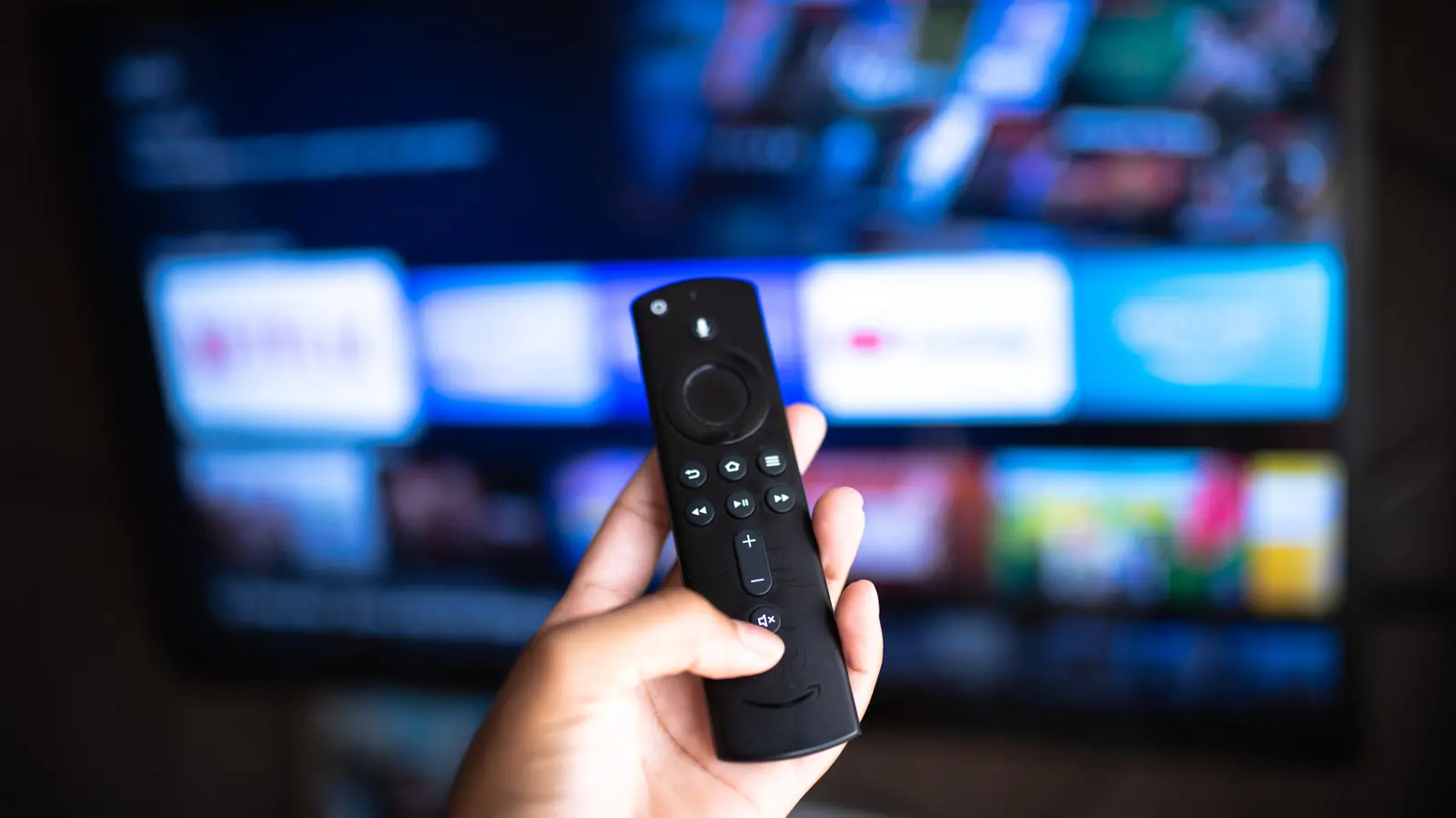
Smart TVs have become ubiquitous in modern homes, offering built-in apps for streaming services like Netflix, Hulu, and Disney+. But many users are unaware that their television can do far more than just play movies and TV shows. Features like music streaming, video calling, and smart home control are often hidden beneath the surface. One particularly useful capability is the ability to view live feeds from your security cameras — including Ring doorbells and cameras — directly on your smart TV. This can transform your living room into a central hub for home monitoring, giving you a large-screen view of who is at the door or what is happening outside.
Why Would You Want to View a Security Camera on Your TV?
While checking a doorbell camera on your smartphone is convenient, there are situations where a larger screen is far more practical. For example, when you're relaxing on the couch and hear a knock, you can simply glance at your TV to see the visitor without reaching for your phone. Parents can keep an eye on a baby monitor or outdoor play area while watching a show. Additionally, if you have multiple cameras around your property, being able to cycle through them on a TV screen provides a comprehensive overview that is much easier to absorb than on a small phone display. The feature also adds an extra layer of security: you can leave the feed displayed while you're in another room, deterring potential intruders who see the camera feed live.
Compatibility Requirements
Not every smart TV supports direct viewing of Ring cameras. The key requirement is compatibility with either Amazon's Alexa ecosystem or Samsung's SmartThings platform. Specifically, Amazon Fire TVs (including those built into Toshiba, Insignia, and other brands) and Samsung TVs with the SmartThings app are the primary candidates. If you own a different brand — such as LG, Sony, or Vizio — you may still be able to use a workaround: plugging an Amazon Fire TV Stick into an available HDMI port. The Fire TV Stick effectively turns any television with HDMI into a compatible device, granting access to all Alexa skills, including the Ring skill. The cost of a Fire TV Stick is relatively low (often under $40), making it an affordable upgrade if your TV lacks native integration.
Step-by-Step Setup for Fire TV and Fire TV Stick
Before you begin, ensure that your Ring device is installed and working properly with the Ring app on your smartphone. You will also need your Ring account credentials handy. If you haven't set up the Ring device yet, follow the manufacturer's instructions for mounting and connecting it to your Wi-Fi network. Once your Ring is ready, open the Amazon Alexa app on your phone (available for iOS and Android). At the bottom of the screen, tap "More" to access the menu, then select "Skills & Games." In the search bar, type "Ring" and locate the official Ring skill. Enable it — you will be prompted to sign in to your Ring account and grant permissions. After linking accounts, you can use voice commands on your Fire TV. Simply say, "Alexa, show [camera name]," where you replace [camera name] with the specific label you assigned to your Ring device (e.g., "front door camera"). Within seconds, the live video feed will appear on your TV screen. You can also ask Alexa to show multiple cameras in a grid view if your TV supports it.
Alternative Setup for Samsung TVs
If you have a Samsung smart TV, the process is slightly different. First, ensure your TV is connected to the internet and updated to the latest firmware. Open the SmartThings app on your phone (again, available for both iOS and Android). Tap "Add Device" and then select "Add by Device Type." Choose "Doorbells" from the list of categories, then select "Ring." The app will ask you to sign in to your Ring account. After authorizing the connection, you may need to go back to the Ring app itself and verify that you allow Samsung SmartThings to access your camera. Once permissions are granted, your Ring camera feed should appear as a device in the SmartThings app. You can then use the app to view the feed on your TV, or in some cases, the feed will be automatically available through the TV's SmartThings panel. Some newer Samsung TVs also support voice commands via Bixby, but the most reliable method is using the SmartThings app as a bridge.
Expanding the Smart Home Ecosystem
The ability to view Ring cameras on a smart TV is just one example of how the smart home ecosystem is converging. Amazon, Google, and Samsung are all competing to make your television the central dashboard for all connected devices. For instance, Amazon's Fire TV platform now supports live feeds from various security cameras beyond Ring, including Arlo, Blink, and Wyze, provided their respective Alexa skills are enabled. Similarly, Samsung's SmartThings integrates with dozens of brands, allowing you to monitor sensors, lights, and locks alongside camera feeds. This convergence means that a single device — your TV — can replace dedicated monitors and reduce the need to juggle multiple apps. However, it also raises concerns about privacy: having a camera feed displayed on a screen that is visible to anyone in the room means you should be cautious about who has access to your living space. Always ensure that your TV is password-protected and that only trusted users have control over smart home features.
Historical Context of Smart TV Integration
Smart TVs first gained popularity in the early 2010s, but their capabilities were initially limited to streaming and basic web browsing. Over the years, manufacturers added app stores, voice assistants, and IoT compatibility. Amazon's entry into the TV market with Fire TV in 2014 marked a turning point, as it brought the rich Alexa ecosystem to living rooms. Similarly, Samsung's SmartThings platform evolved from a standalone hub to a built-in feature on most of their recent TV models. The partnership between Ring (acquired by Amazon in 2018) and Amazon's hardware naturally led to deep integration. Today, it's common to see smart TVs promoted with features like "works with Alexa" and "compatible with SmartThings," but many consumers still don't explore these capabilities fully.
Troubleshooting Common Issues
If you follow the steps above and the camera feed does not appear, check a few common issues. First, ensure that both your TV and your smartphone are on the same Wi-Fi network. Second, verify that your Ring device is online and functioning in its own app. Third, try disabling and re-enabling the Ring skill in the Alexa app. For Samsung TVs, confirm that you have given the necessary permissions in both SmartThings and Ring. Network congestion can also cause delays; consider using a mesh Wi-Fi system if your cameras are far from the router. Some users report that voice commands work best when the TV is already in the Alexa or SmartThings mode. Finally, keep your TV's firmware updated, as manufacturers often add new integrations with software updates.
Privacy and Security Considerations
While viewing your security camera on a big screen is convenient, it is important to consider privacy. If you have guests or children who might use the TV, they could accidentally see live footage from sensitive areas (though Ring cameras are typically placed outside). You can set up voice PINs on Alexa to restrict certain commands, or disable the camera view feature when visitors are over. Additionally, ensure that your Wi-Fi network is secured with a strong password and that you have two-factor authentication enabled on your Ring account. Regularly review which devices have access to your Ring cameras and revoke access for any that are no longer in use. Remember that any connected device introduces potential vulnerabilities, so staying up to date with security patches is crucial.
This feature is not limited to Ring alone; many other camera brands offer similar integrations. For example, Nest cameras can be viewed on Google TV or Chromecast devices, and Arlo cameras work with both Alexa and Google Assistant. The trend is clear: the television is becoming a universal interface for smart home control. As we move toward more integrated living spaces, features like these will likely become standard, making our homes more convenient and secure.
Source:SlashGear News