

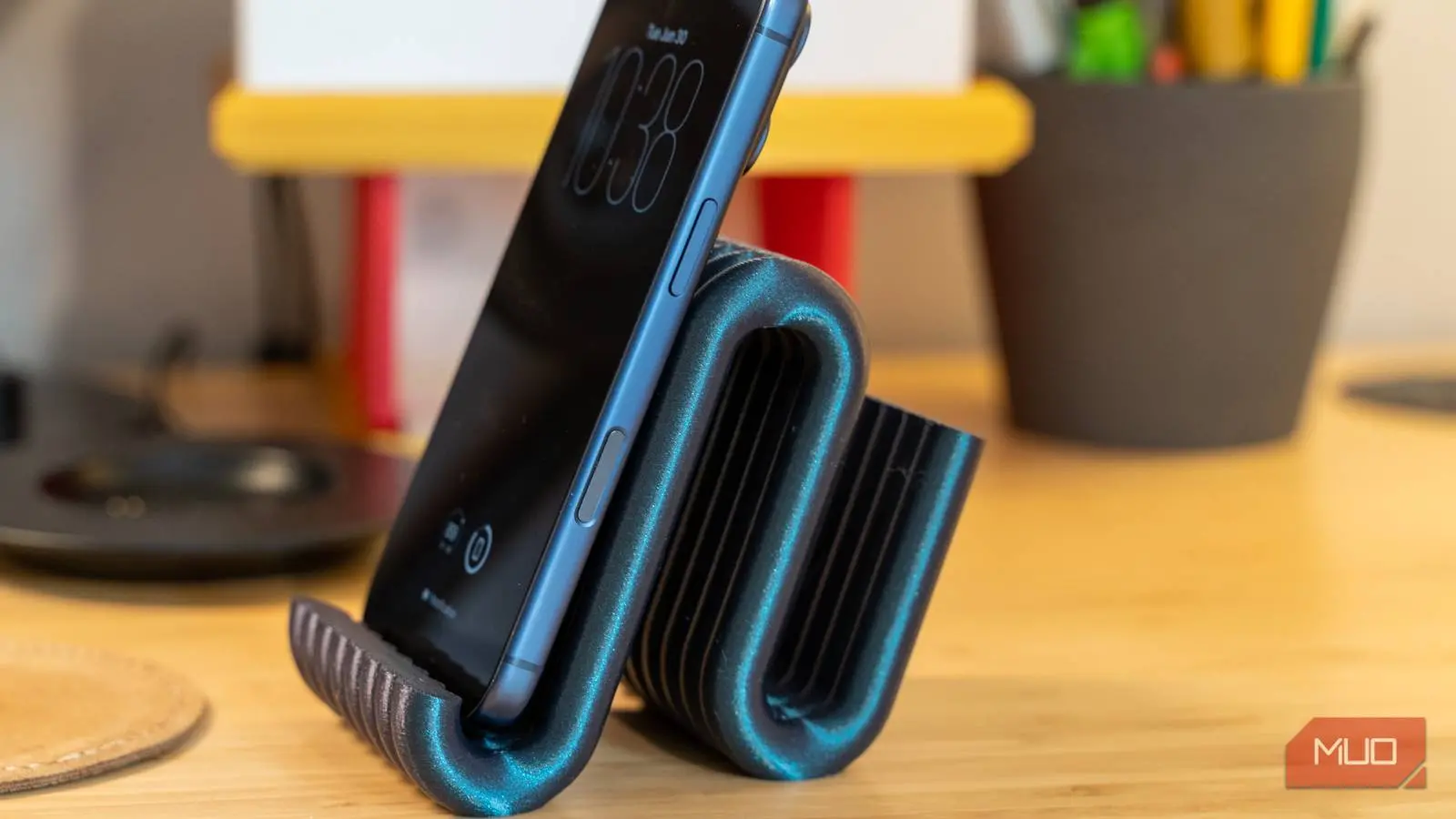
Phone stands seem like trivial accessories, yet most of us repeatedly spend $15 or more for each one. When a new phone model appears or a cheap stand cracks, you're back on an online marketplace scrolling through generic plastic blocks. The truth is that 3D printing technology has become so affordable and accessible that buying another stand no longer makes financial sense. With a modest investment in a printer and some basic materials, you can produce custom phone stands for a fraction of retail prices, and the process is far simpler than most people imagine.
This is cheaper than you think
A printer will pay for itself after a few things
I used to avoid 3D printing until I realized how dramatically costs have dropped. Entry-level FDM printers now range from $150 to $500, offering features like auto bed leveling and fast print speeds that once cost thousands. If you don't want to buy, many public libraries offer 3D printer rental services, though the per-gram cost is higher over many prints.
PLA filament, the standard for beginners, costs about $20 to $30 per kilogram. That translates to roughly two to three cents per gram. A typical phone stand uses 15 to 30 grams of filament, meaning material cost is between 30 and 50 cents. Compare that to store prices of $20 to $30 for a similar plastic stand, and you're avoiding markups of up to 4,000%. The electricity to run the printer is negligible, often less than a few cents per hour. So after just a handful of prints, the printer effectively pays for itself.
Finding and printing designs is pretty simple
Free sites and slicing software do the heavy lifting
Going from idea to a finished phone stand requires only a few steps. Websites like Thingiverse, Printables, and search engines like Yeggi host thousands of free 3D models for virtually any device. You don't need CAD skills; just search for your phone model or desired style, such as a dual-angle desk stand or a car vent mount with cable management.
Many designs are cleverly engineered to print fully assembled, folding open right off the build plate. After downloading an STL file, you must slice it using software like Cura or PrusaSlicer. Slicing converts the 3D model into G-code, a set of instructions for the printer. You can adjust infill (10%-30% with gyroid or cubic patterns), wall thickness (two to three shells), and other parameters to balance strength, speed, and material usage. For a phone stand, these settings produce a sturdy object that prints in under an hour using under 30 grams of plastic.
The plastic you choose makes a big difference
You will probably ruin a few prints at first
PLA is beginner-friendly because it prints at low temperatures (190-220°C) and adheres well to a heated bed. However, it has a low glass transition temperature (~60°C), so it will soften and warp if left in a hot car. For higher temperature resistance or durability, PETG and ABS are better choices. PETG offers impact resistance and slight flexibility, while ABS withstands significant heat but is prone to warping due to uneven cooling.
Warping is the most common failure. As a layer cools, it shrinks and pulls the corners off the build plate. Proper first-layer adhesion is critical—clean the build plate with dish soap and isopropyl alcohol, adjust the Z-offset, and disable the cooling fan for the first few layers. PETG requires a bed temperature of 70-80°C and an enclosure to maintain ambient temperature. ABS demands even higher temperatures and a fully enclosed printer to prevent drafts.
Patience is key. Expect to waste a few prints perfecting your setup. But once calibrated, you can produce phone stands, cable clips, and other small items for less than a dollar each. The economics become undeniable when you consider replacing a $15 stand every few months versus printing a stronger, custom version for mere cents.
Don't waste your money on a premium stand again
None of this works without some trial and error. You'll ruin prints due to bed adhesion issues, and PLA won't survive a hot car regardless of settings. If you need heat or impact resistance, invest time in learning PETG or ABS calibration. For most home or office use, however, PLA stands are perfectly adequate and cost next to nothing to replace. The math is hard to argue with: a $200 printer that produces hundreds of items at pennies each is a financial win from the first dozen prints.
Beyond cost savings, 3D printing empowers you to customize designs to your exact preferences—add a credit card slot, change the angle, or integrate wireless charging alignment. Online communities share improvements and new models daily. The upfront investment in time to learn slicing and printer maintenance is modest compared to the long-term freedom from buying overpriced plastic accessories.
As 3D printing technology continues to mature, the barrier to entry keeps shrinking. Printers now ship with touchscreens, Wi-Fi connectivity, and automated calibration. The materials are cheaper and more diverse than ever. With a little initial effort, anyone can turn their living room into a miniature factory capable of producing phone stands, tool holders, toys, and countless other practical objects. The days of buying a simple plastic stand for $15 are over once you've seen how easy and cheap it is to make your own.
Source:MakeUseOf News